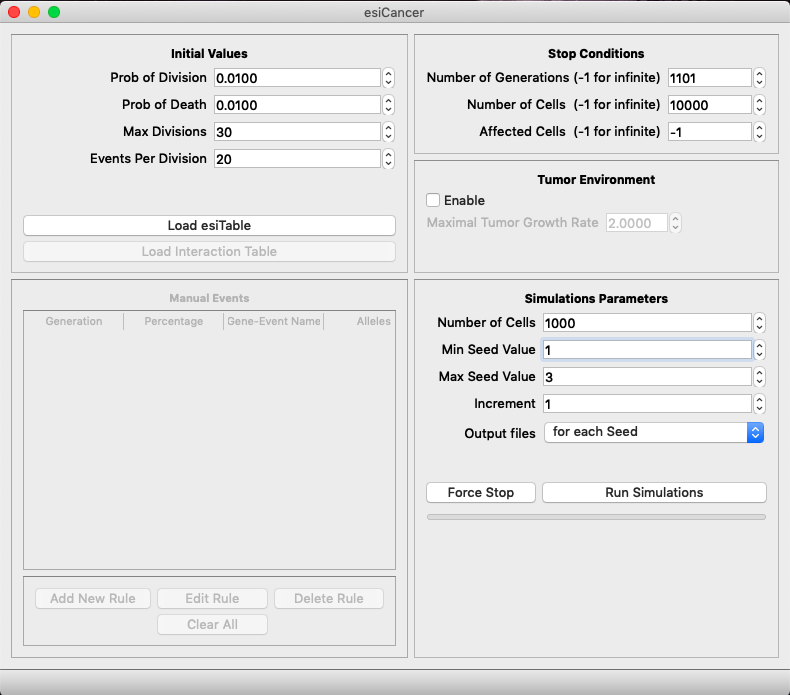
esiCancer
Installation in macOS High Sierra or less
As esiCancer is a software from Unsigned Developer, users with macOS High Sierra or less need perform the followed steps for installation.
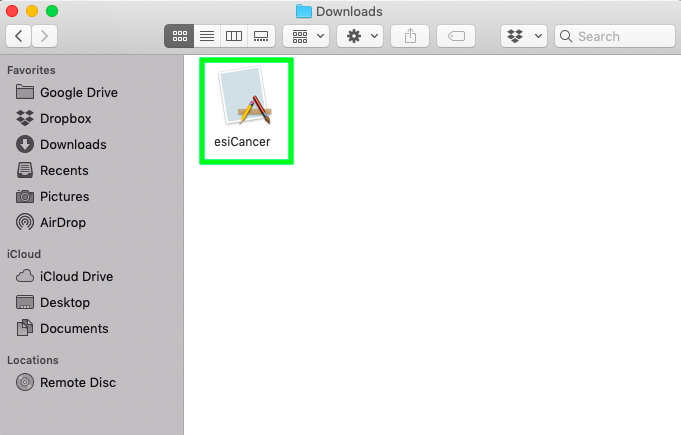
- Download esiCancer from website and open the software setup file.
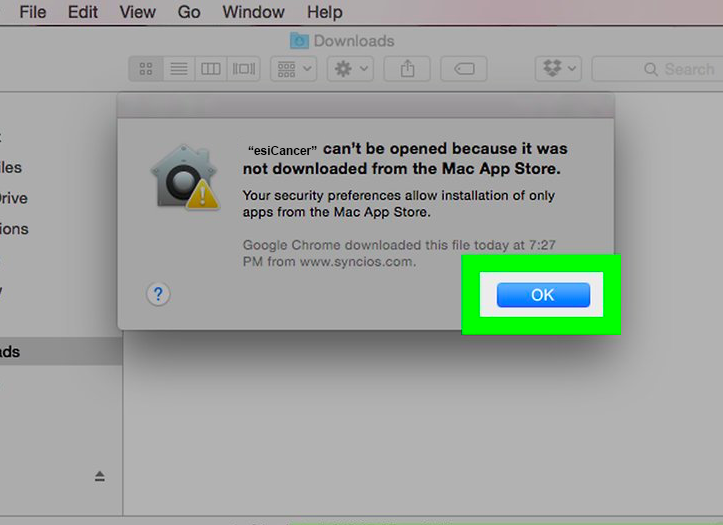
- A pop-up window will open with an error. Click "OK".
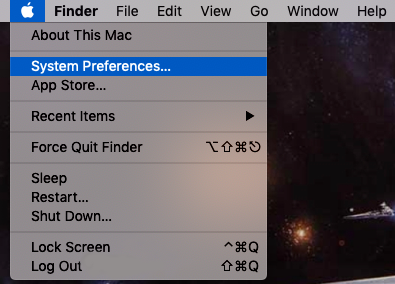
- Open the Apple Menu. Select the "System Preferences" option.
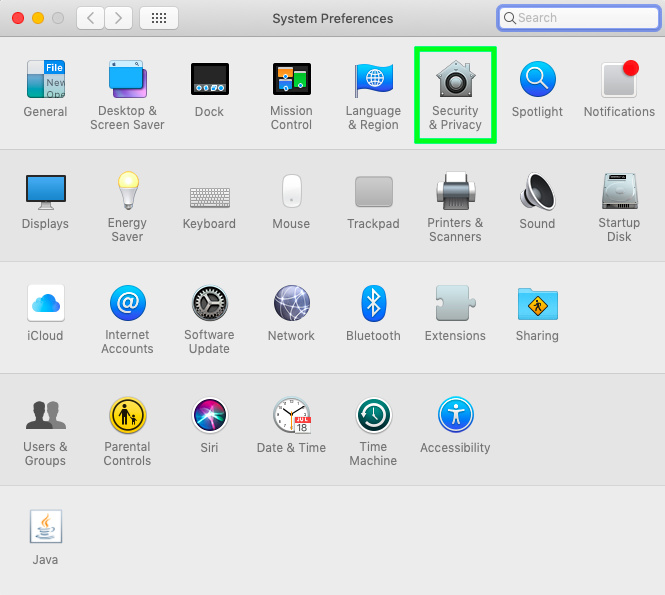
- Click on "Security & Privacy".
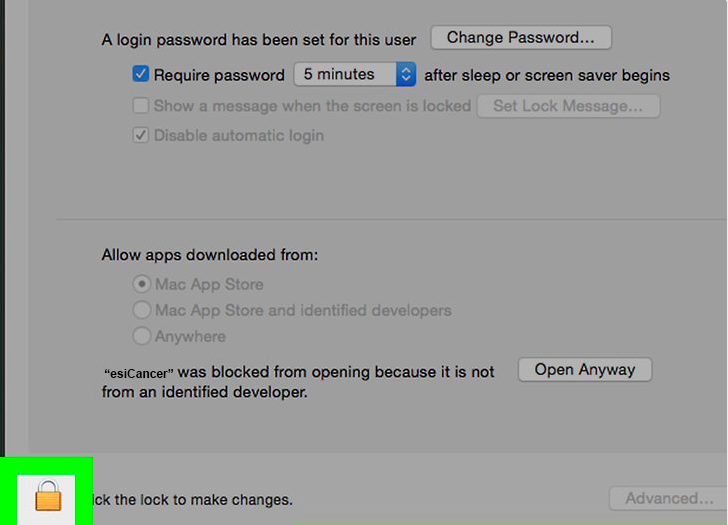
- Click the lock icon to alow changes on your mac.
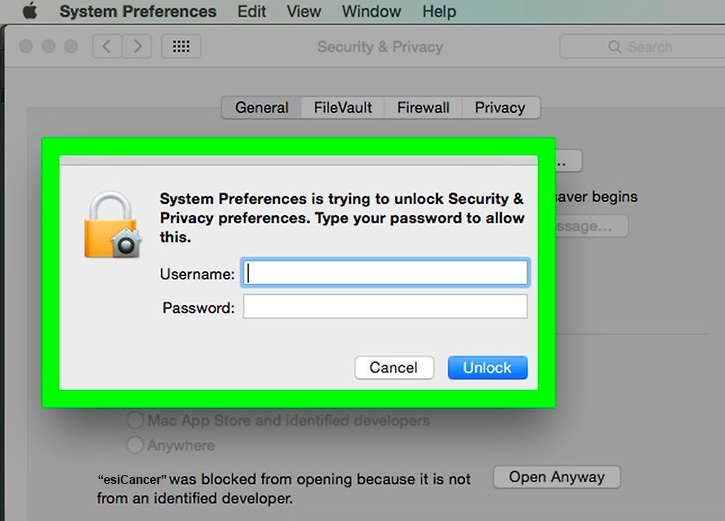
- Enter your Username and Password, the click Unlock. This will allow changes on General configurations.
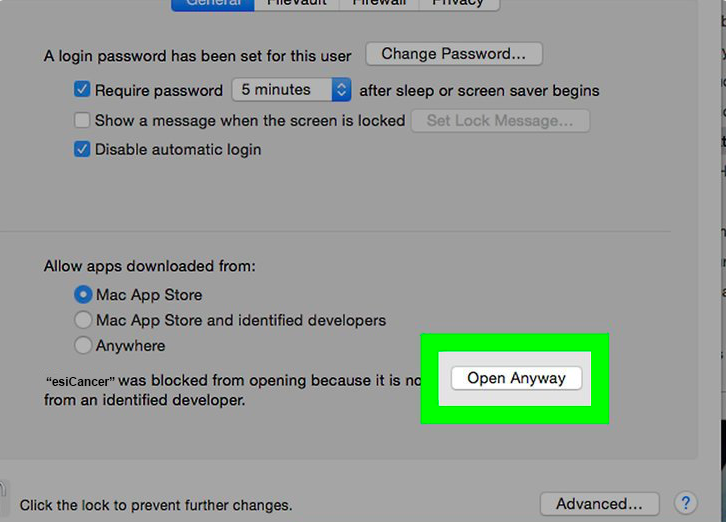
- Click the "Open Anyway" button next to esiCancer name.
- A pop-up window will open, next press the "Open" button.
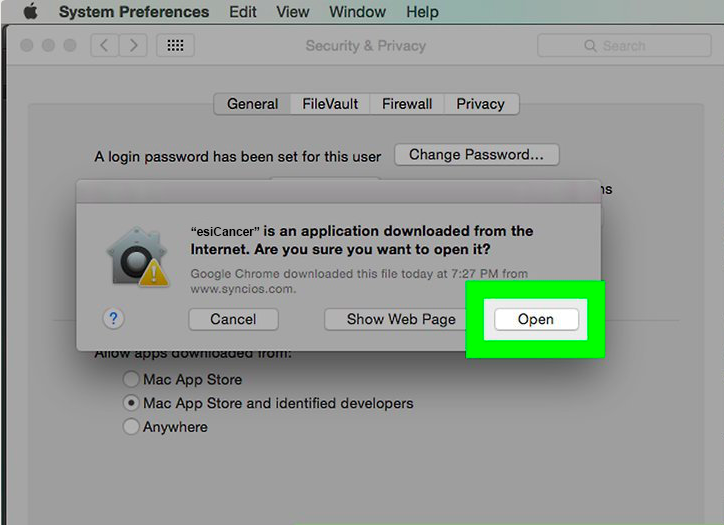
- Now you can open esiCancer normally and start your simulation.